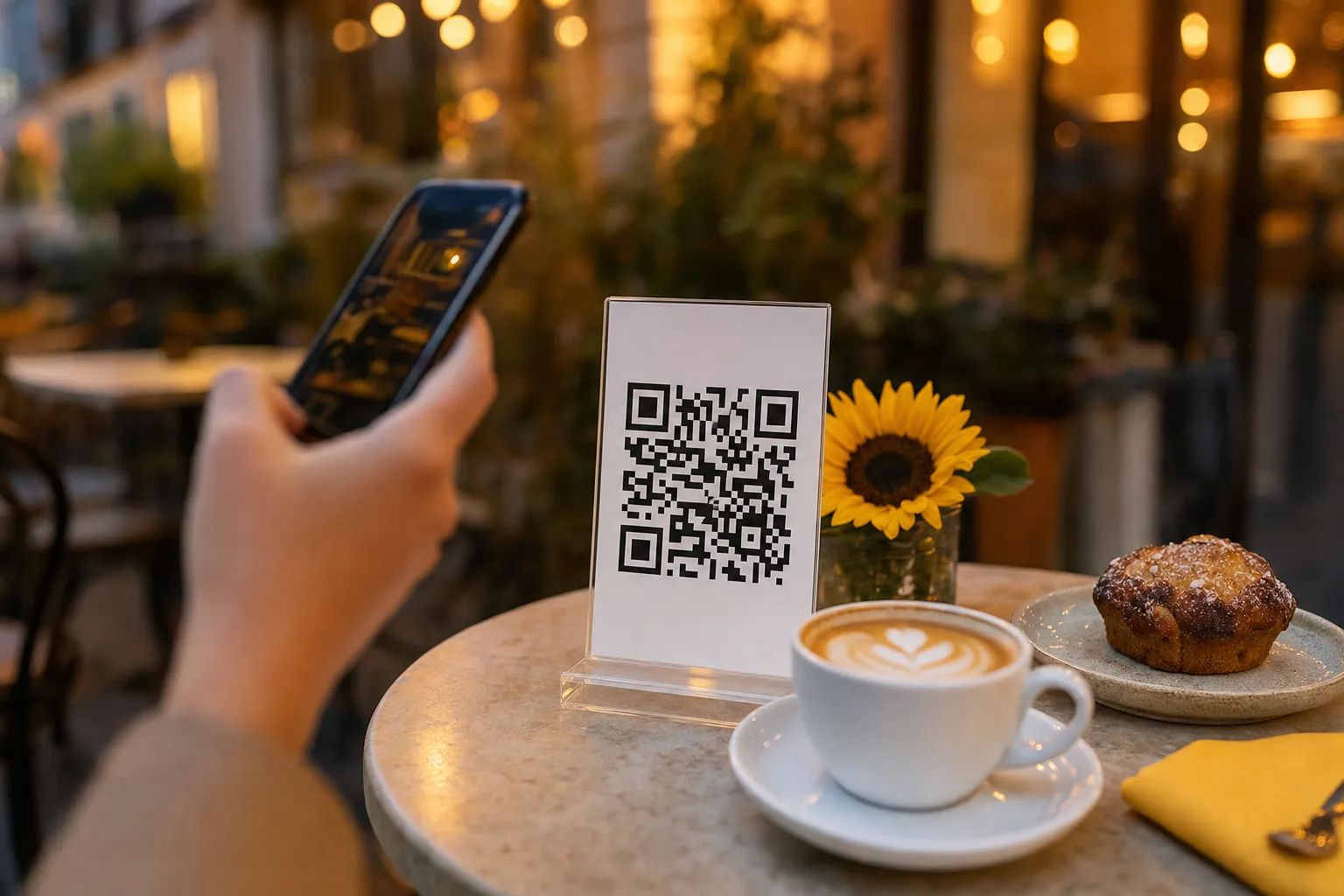
Check the destination before you design the sign
A beautiful table card cannot fix a QR code that points to the wrong restaurant, an unpublished menu or an old table link. Open the intended restaurant workspace and check the guest destination first. Test it in a private browser window so your staff session cannot hide a sign-in requirement.
In the Java-backed application, use the QR card on Overview to Print or Download PNG. Its restaurant menu must be published by an owner before guests can read it. In the table-ordering workspace, owners print a table’s code from Tables after publishing in Settings. A table-specific code should be placed at the table it identifies.
Preserve the code’s contrast, shape and margin
Use the generated image rather than a screenshot that includes browser controls or a tiny preview. The QR print dialog uses a 4 × 6 inch card. Check your printer’s paper and scale settings against the preview, and print one sample before making a full set. A print shop can use the downloaded PNG as part of your signage.
Keep the code square and preserve the clear margin around it. Avoid cropping, stretching, placing text over its cells or using a background that reduces contrast. Choose a size that works at the distance where guests will scan; there is no single print size that guarantees a reliable result in every setting.
If you laminate the card or put it behind a glossy holder, test that finished version. Reflections, low light and a curved or damaged surface can affect scanning even when the original image worked on a screen.
Test the actual printed card at the table
Use the camera on more than one phone if available. Scan in your normal dining light, at a comfortable seated distance, and with the card inside its intended holder. Check the page that opens rather than stopping at the camera’s link preview.
- Confirm the address opens the intended restaurant or table.
- Open the menu without a staff account and check categories, portions, prices and sold-out labels.
- Try search and category filters on a phone.
- Repeat on the guest network or a mobile connection.
- Check that the accompanying readable link or ask-staff option is useful if scanning fails.
Know when an existing code needs replacing
Ordinary Java menu edits keep the same destination when the restaurant slug stays unchanged. Update the dishes, then refresh the public menu to verify the result. Unpublishing or suspending the restaurant makes the public menu unavailable; printing another copy of the same code will not make it accessible.
In the workspace, Replace QR rotates a table’s token and invalidates the old printed link. Reprint and replace the affected cards when you use that action. Do not rotate a code as a routine response to changing a price, and never publish a real table token in a public guide or support screenshot.
Keep a spare tested card and inspect the ones in service for wear. After changing the menu or replacing a destination, repeat the quick scan-and-read check. The useful result is a guest reaching the correct, current menu, not simply a camera recognizing a QR pattern.
Frequently asked questions
What size should a printed menu QR code be?
There is no single size that works everywhere. Choose a size that scans comfortably from a seated position, keep the clear margin around the code, and test the printed card at the table rather than judging the image on a monitor.
Can I put my logo in the middle of the QR code?
Avoid covering the code’s cells. Put branding around the code on the card instead, and keep strong contrast between the code and its background so older phones and low light still work.
Does a glossy or laminated card affect scanning?
It can. Reflections from overhead lights, curved holders and worn surfaces all affect scanning. Test the finished card in its holder, under your normal dining light, on more than one phone.
When do I need to reprint a QR code?
Only when its destination changes. Menu edits keep the same link. Unpublishing or suspending a restaurant makes the menu unavailable, and reprinting the same code will not fix that.
- #qrcodeprinting
- #tablecards
- #qrcodetesting
- #restaurantsignage