Digital menus · printable QR codes
Your menu,
live on
every table.
Guests scan and browse from their phones. You can update prices, photos and sold-out dishes from the dashboard without reprinting the menu.
- One link to share
- No app for guests
- Edit after publishing
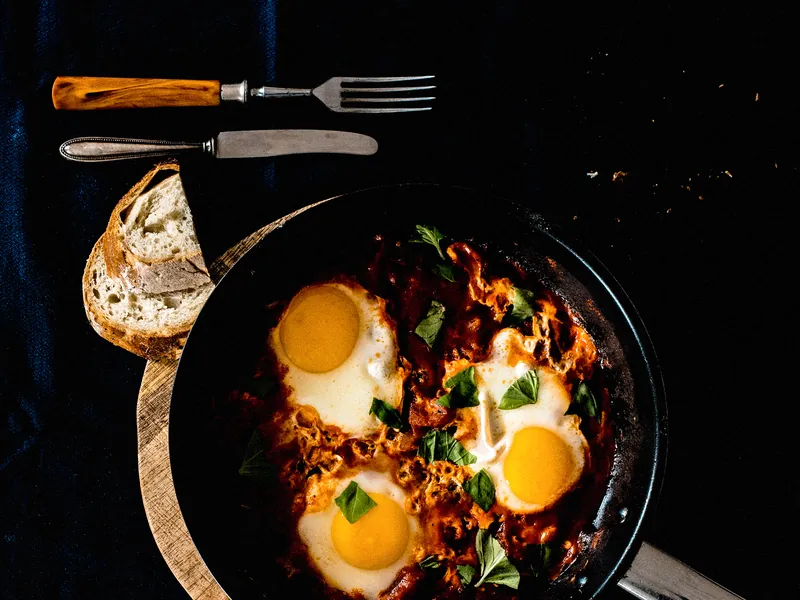
Shakshuka verde
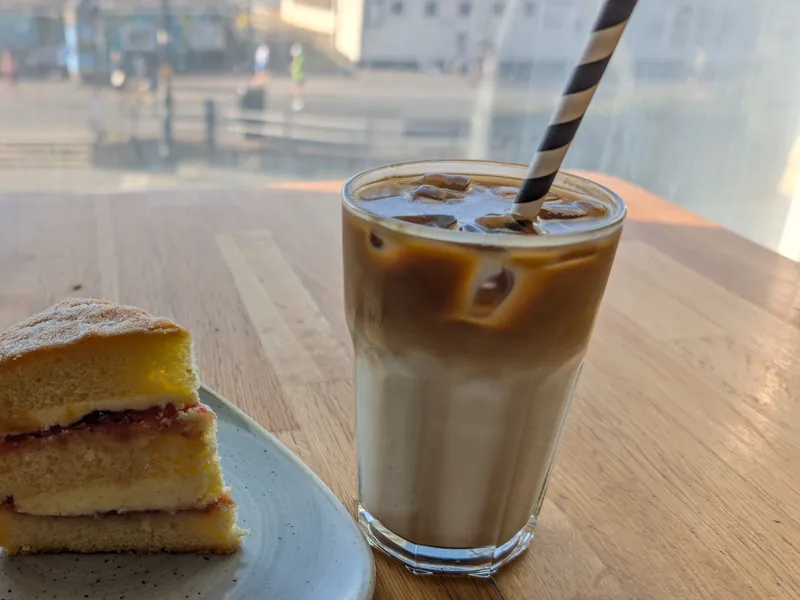
Iced oat flat white
What is Menulo
Menulo gives your restaurant a menu you can edit from the dashboard and a link guests can open at the table. Update prices and availability whenever service changes.
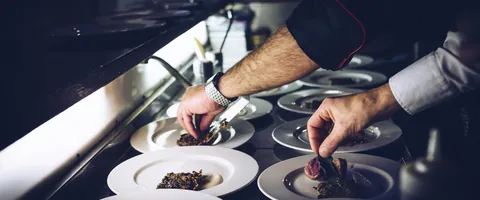
Menu studio
Edit dishes, prices and photos. Changes go live the moment you save — no reprinting.
Availability
Mark a dish or a portion sold out as service changes. Guests can still see what else is on the menu.
QR codes for your tables
Print QR codes for your tables and counters. Guests scan one to open your latest menu in their browser.
Team access
Invite teammates and choose who can edit the menu or view the workspace.
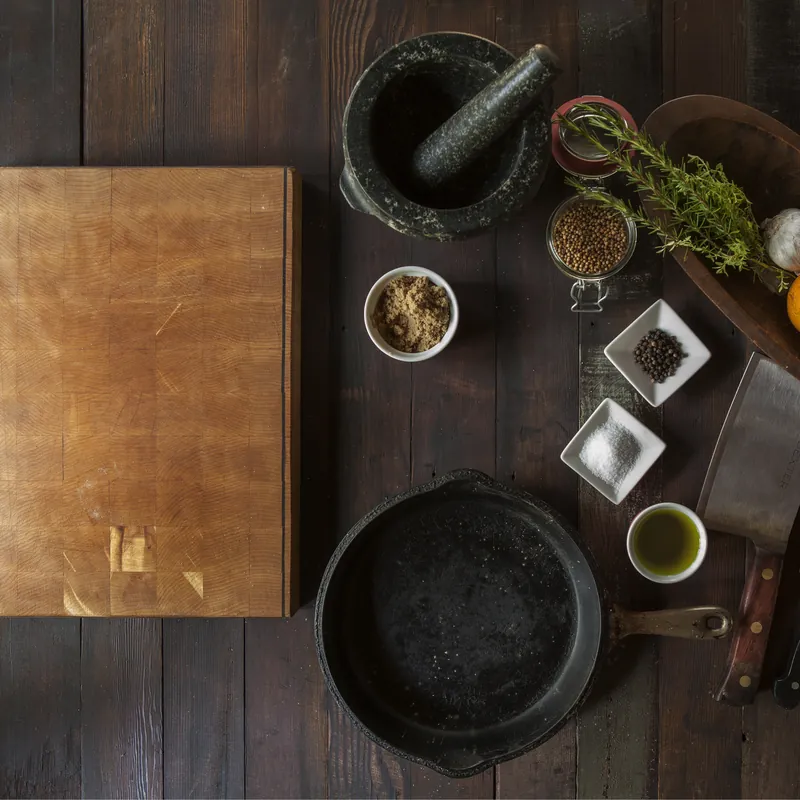
Shakshuka verde · €12.50
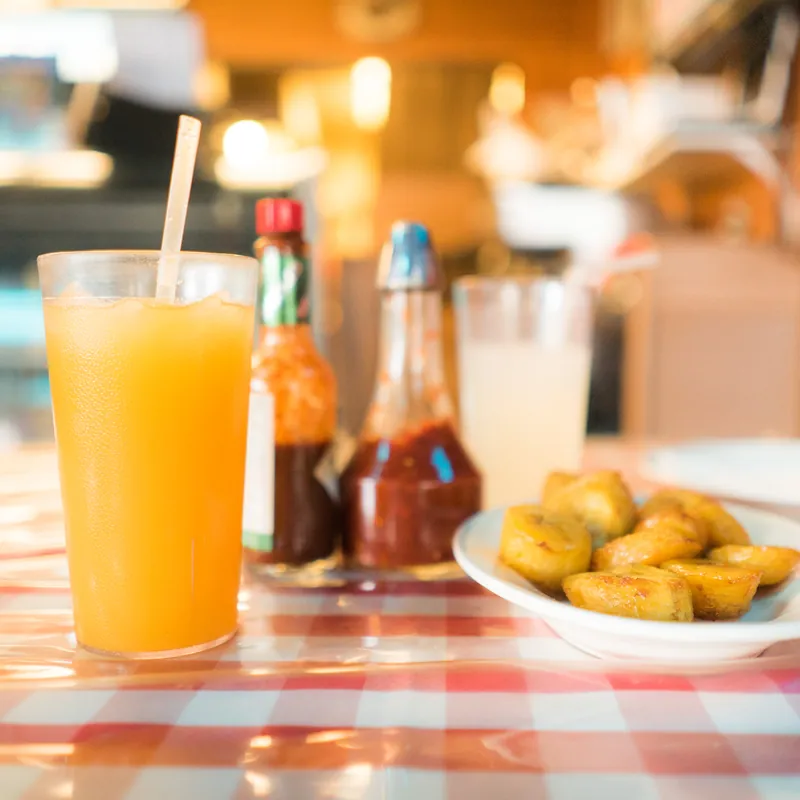
Iced oat flat white · €4.80
From your dashboard to the table
Live in one
afternoon.
Build your menu
Group dishes into categories and add photos, descriptions and prices for each portion.
Publish and print
Publish your menu, then print QR codes for your tables.
Guests scan and browse
Guests open the menu in their browser and see your latest prices and availability.
Build, Publish, Print, Scan, Browse
Put your menu
on the table.
Add your dishes and prices, publish your menu, then print its QR code for your tables.